
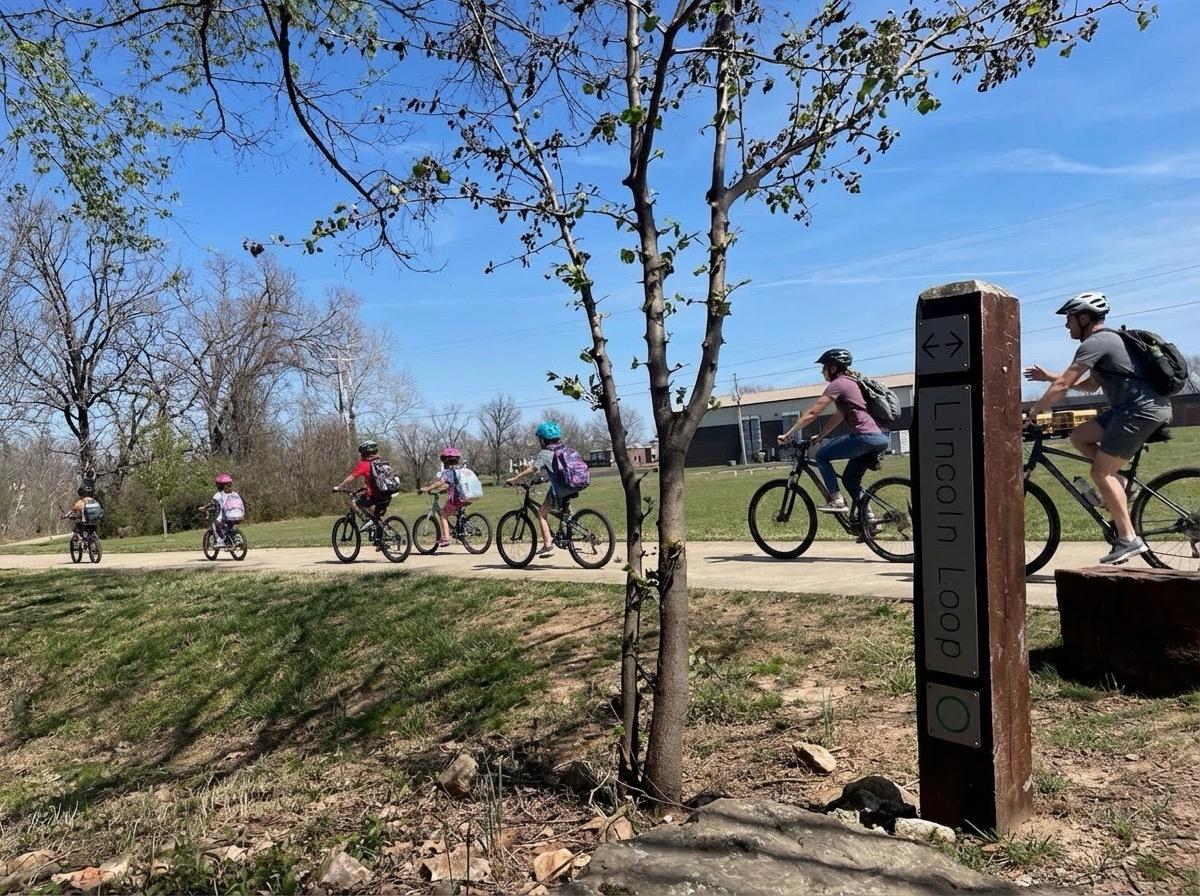
Safe Routes, Stronger Communities
Every parent who has ever watched their kid ride to school knows the same quiet worry:
Is this the safe way? Are there enough adults? Will they make it there together?
For decades, the answer has been the same: walking school buses. Groups of kids and adults walking together along a known route, picking up riders at designated stops along the way. Safer. More social. Less car traffic around schools.
A bike train is the same idea on two wheels — and it's exactly what Arkansas Moves is working to make easier across the state.
That's the mission behind Bike Train AR, the Bike Train Map Builder we built to help schools, neighborhoods, and organizers create, share, and manage safe bike routes for students and families.
What Is a Bike Train?
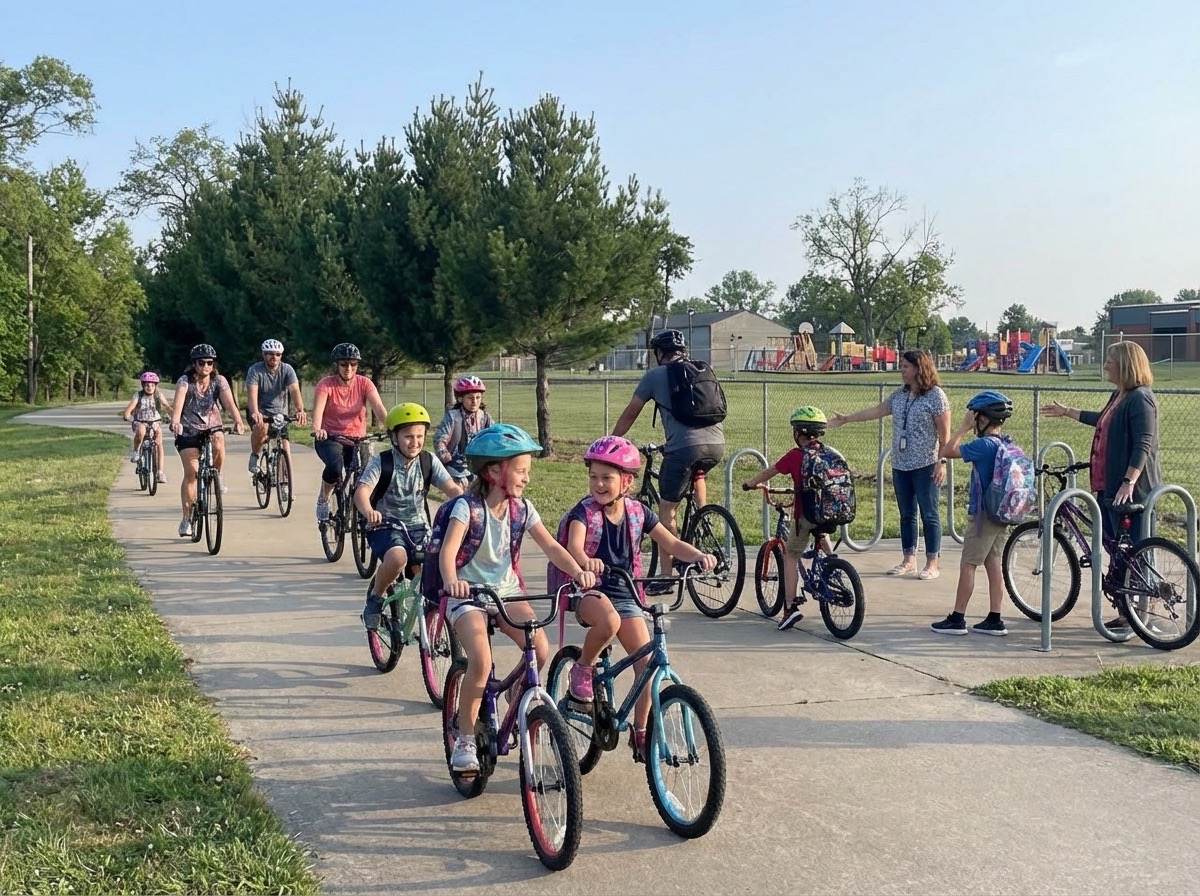
A bike train is a group of students and adults who ride together along a set route to school, picking up riders at designated stops along the way. Think of it like a walking school bus — but on bikes.
Three things make a bike train work, and all three are exactly what the Bike Train Map Builder is designed to support:
- Safer travel. There is safety in numbers. Kids riding together with adult leaders are more visible and more protected.
- Consistent schedules. Published routes with pickup times mean parents and kids know exactly when and where to meet.
- Stronger community. Bike trains build friendships, encourage physical activity, and reduce car traffic around schools.
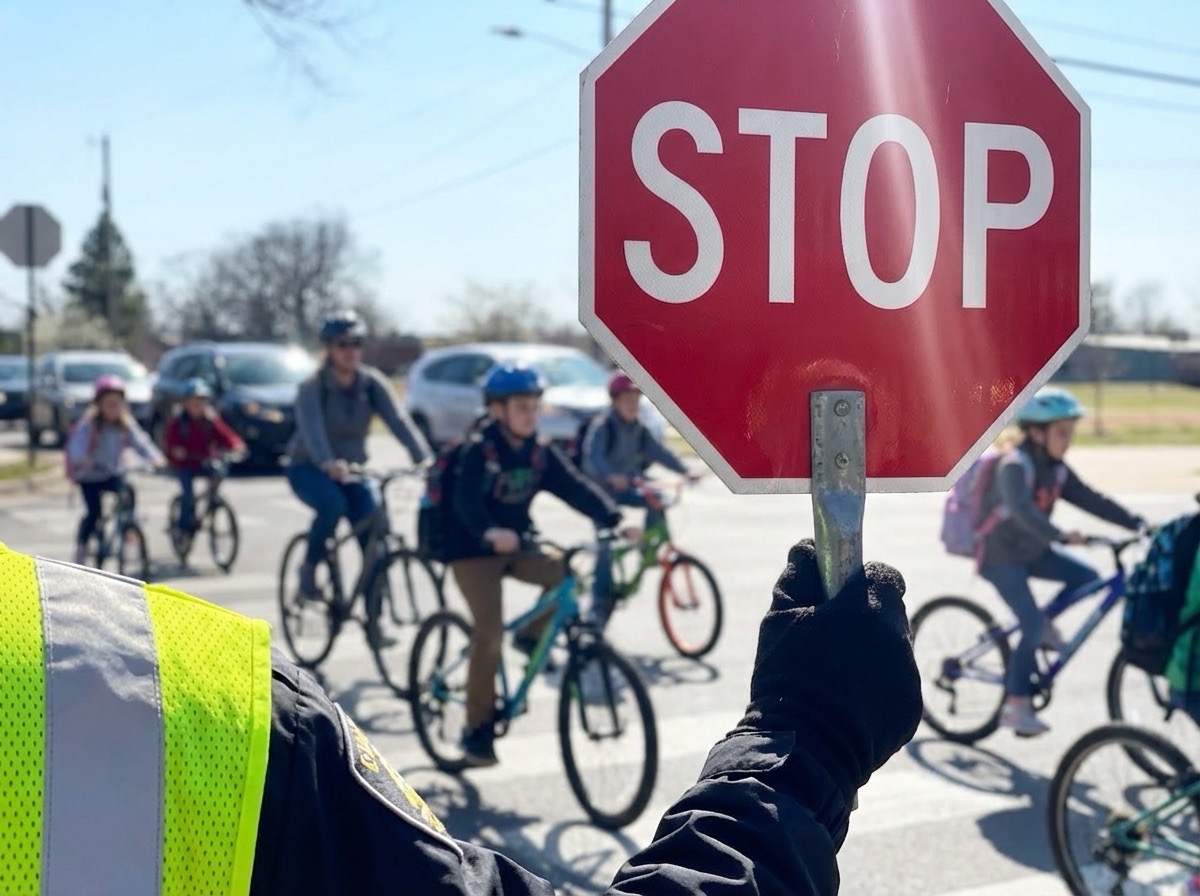
The hard part has never been the idea. The hard part has been the logistics — drawing the route, agreeing on stops, getting families the schedule, and keeping it all up to date when something changes.
That's the gap we set out to close.
What We Built
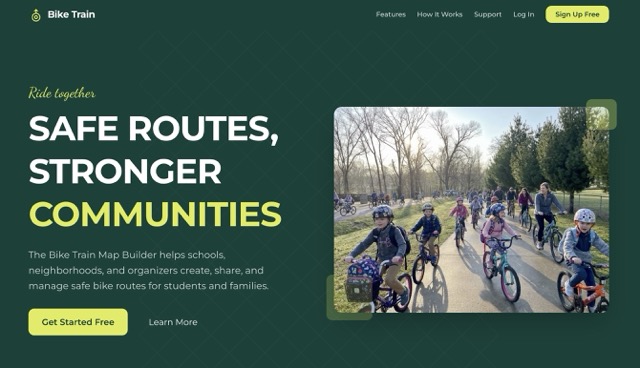
Bike Train AR is a web application for creating, managing, and sharing safe bike routes for schools and communities. It is intentionally simple on the surface — and that simplicity took a lot of work.
A parent, teacher, or community organizer can:
- Build routes visually. Drop pins, draw paths, and snap routes to real roads using an interactive map builder. Add stop details, pickup times, and safety notes per stop.
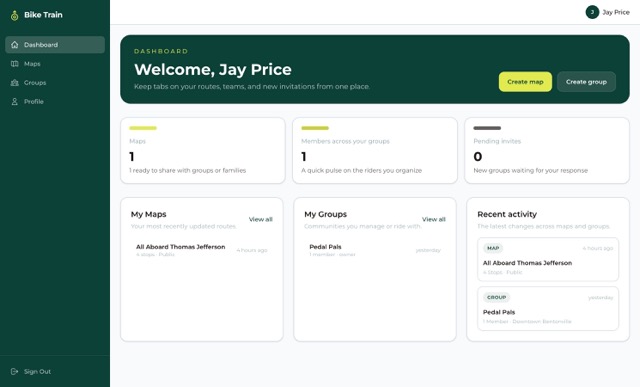
- Organize groups. Create groups for a school, neighborhood, or bike train team. Invite members and share routes with the people who need them.
- Share with everyone. Make a map public with a single click. Families can view routes, stops, and schedules without ever creating an account.
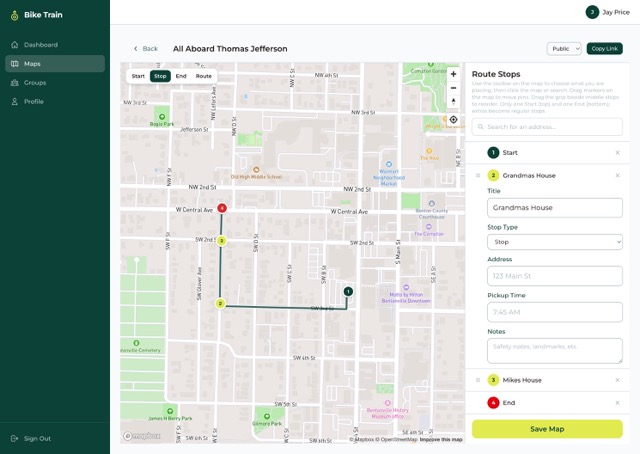
Once a route is published, every family in the group has the same source of truth: where to meet, when to be there, and which streets the train rides on.
How It Works
The flow is intentionally short. We tested a lot of ideas, and the four-step path below is the one that real organizers — not engineers — could finish in about five minutes.
1. Sign up. Create a free account in seconds. No setup fees, no contract.
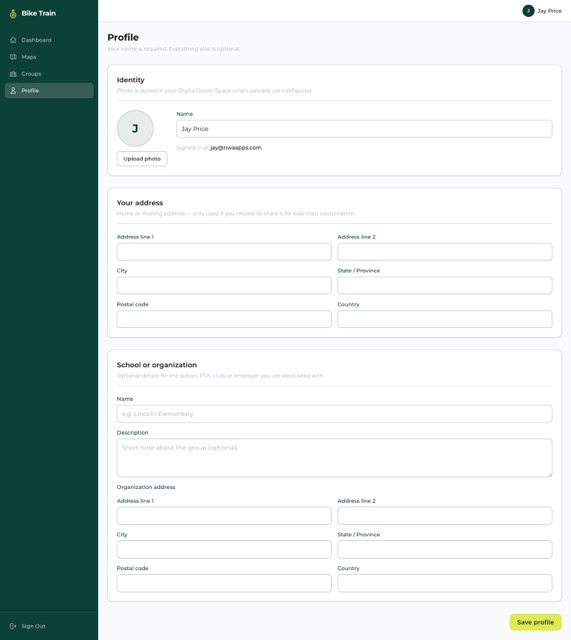
2. Create a group. Add your school, neighborhood, or bike train team. Invite other parents, teachers, and organizers.
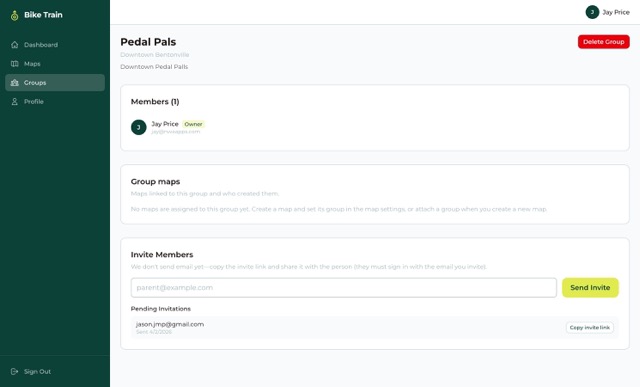
3. Build your route. Open the map, plot stops, draw safe paths, and add pickup times and safety notes for each stop. Routes auto-snap to real roads using Mapbox's directions API, so the line you draw matches what people will actually ride.
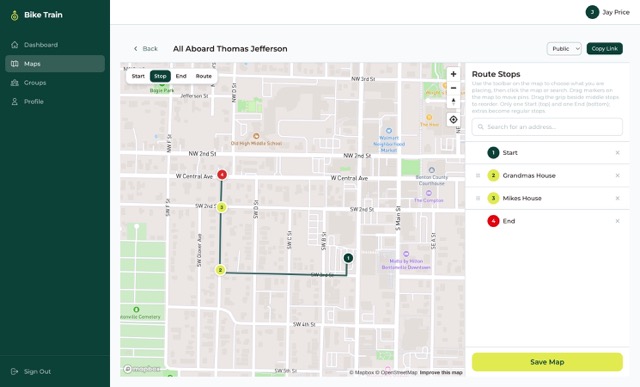
4. Share it. Publish a public link or share inside your group. Families can view routes without an account — perfect for school newsletters, group chats, and PTA emails.
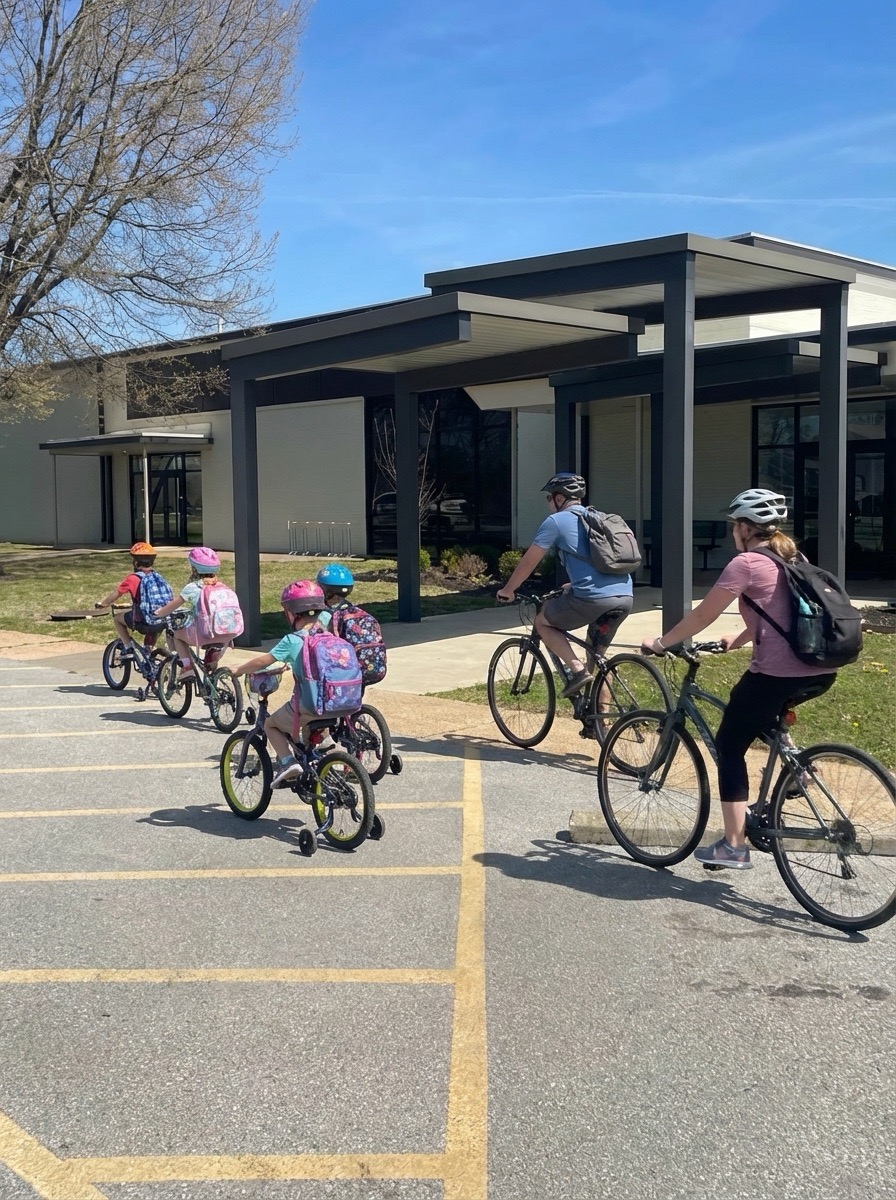
The Tech Behind biketrainar.com
Underneath the simple UI is a modern, type-safe stack chosen for reliability, speed, and the ability to evolve as Arkansas Moves grows the program.
Frontend
- Next.js 16 with the App Router and TypeScript end-to-end. Server components handle data-loading; client components handle map interactions. Public viewer pages are statically optimized so they're fast even on a school newsletter open at 6:45 AM.
- Tailwind CSS 4 for a clean, accessible visual system that scales from phones to desktops.
- React Hook Form + Zod for forms and validation. Every field — group invites, stop details, profile updates — runs through the same predictable validation pipeline.
Maps
- Mapbox GL JS drives the interactive map builder and the public viewer. Pin-dropping, drag-to-reposition, snap-to-roads, and rich styling all happen client-side.
- Mapbox Geocoding API lets organizers add stops by searching real addresses, so they're not squinting at the map trying to remember the corner of 6th and Main.
- Mapbox Directions API auto-generates the safest path between stops and lets organizers refine it.
Identity & Data
- Auth.js v5 handles authentication with email/password credentials. Passwords are hashed; sessions are signed; nothing leaks into the client bundle.
- MongoDB with Mongoose stores users, groups, maps, and invites. The schemas are intentionally small — the platform is about routes and people, not data warehousing.
Visibility & Sharing
Every map has a visibility setting: private, group, or public. The public route at /map/[slug] is its own experience — no header, no sign-in, no account required. A family can scan a QR code on a school flyer and immediately see the train, the stops, and the schedule.
With SendGrid configured, the app sends:
- Group invite emails so new parents can join with one click
- Welcome emails after signup
- Password reset emails
- Support form notifications and receipts
- Optional invite accepted / declined notifications, controlled from each user's profile
Storage & Deployment
- Docker image built from a root
Dockerfile, deployed on DigitalOcean App Platform. - DigitalOcean Spaces for avatar uploads and any other user-generated media — fronted by an optional CDN custom domain for fast public delivery.
- The container listens on port
8080and runs the Next.js standalone server withnode server.js, which keeps cold-starts fast and the runtime small.
Designing for Non-Technical Users
The hardest design problem with civic tech isn't the engineering. It's making something a busy parent can use once a year and still feel confident with.
A few principles guided the build:
- Defaults that work. Every new map starts private. Visibility upgrades are deliberate, not accidental.
- Plain-language labels. No "geocoding," no "bbox," no "snap-to-roads radius." We say Search address and Add stop.
- Forgiving editing. Drag a stop to fix it. Delete and redraw without losing the rest of the route. Undo when something goes wrong.
- Public viewer first. The thing families see is the thing we polished hardest.
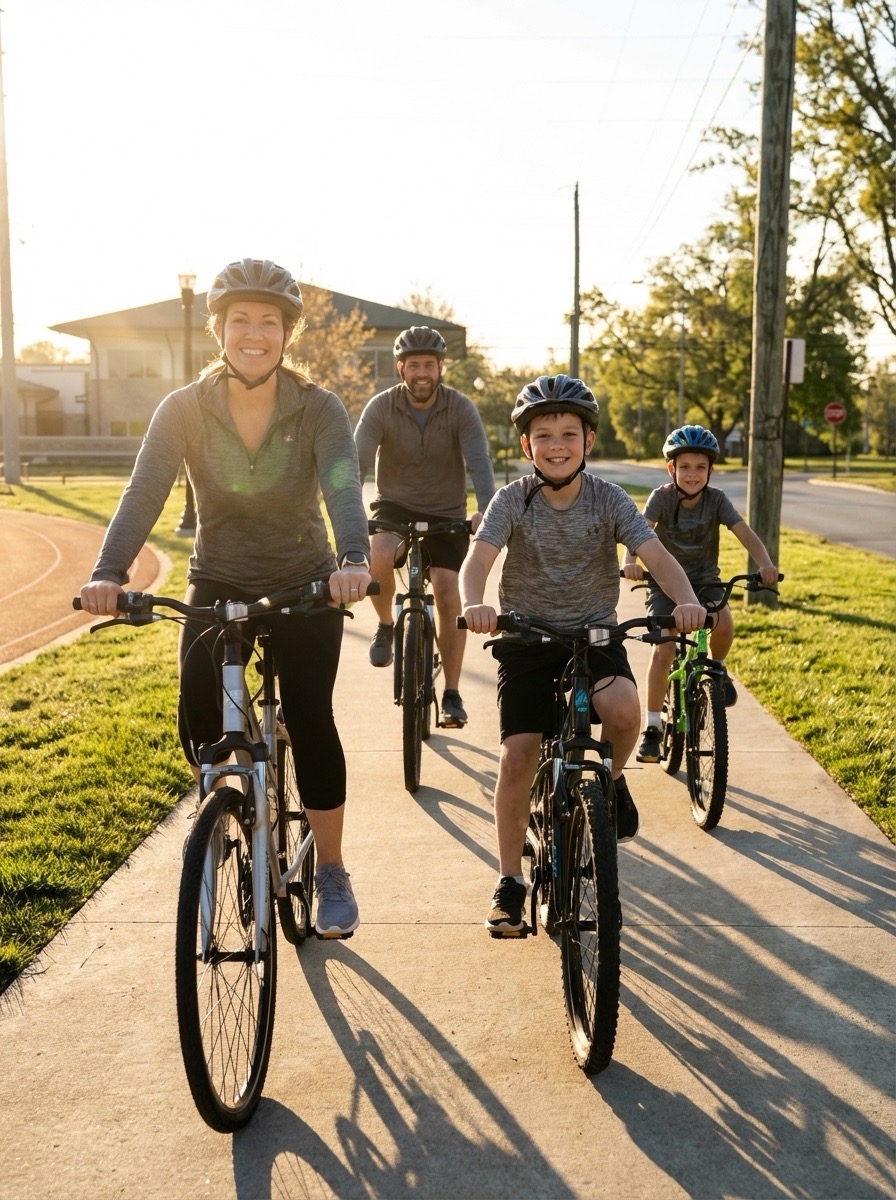
The result is software that disappears. Parents talk about the route and the schedule, not the app. That's the goal.
Why It Matters
It's tempting to file Bike Train AR under "transportation app," but that undersells what it actually does.
When a school posts a route, it's not just publishing a map. It's:
- Telling parents we have a plan
- Inviting families to ride together
- Reducing car congestion at drop-off
- Encouraging kids to be physically active
- Building the social fabric that makes neighborhoods feel like neighborhoods
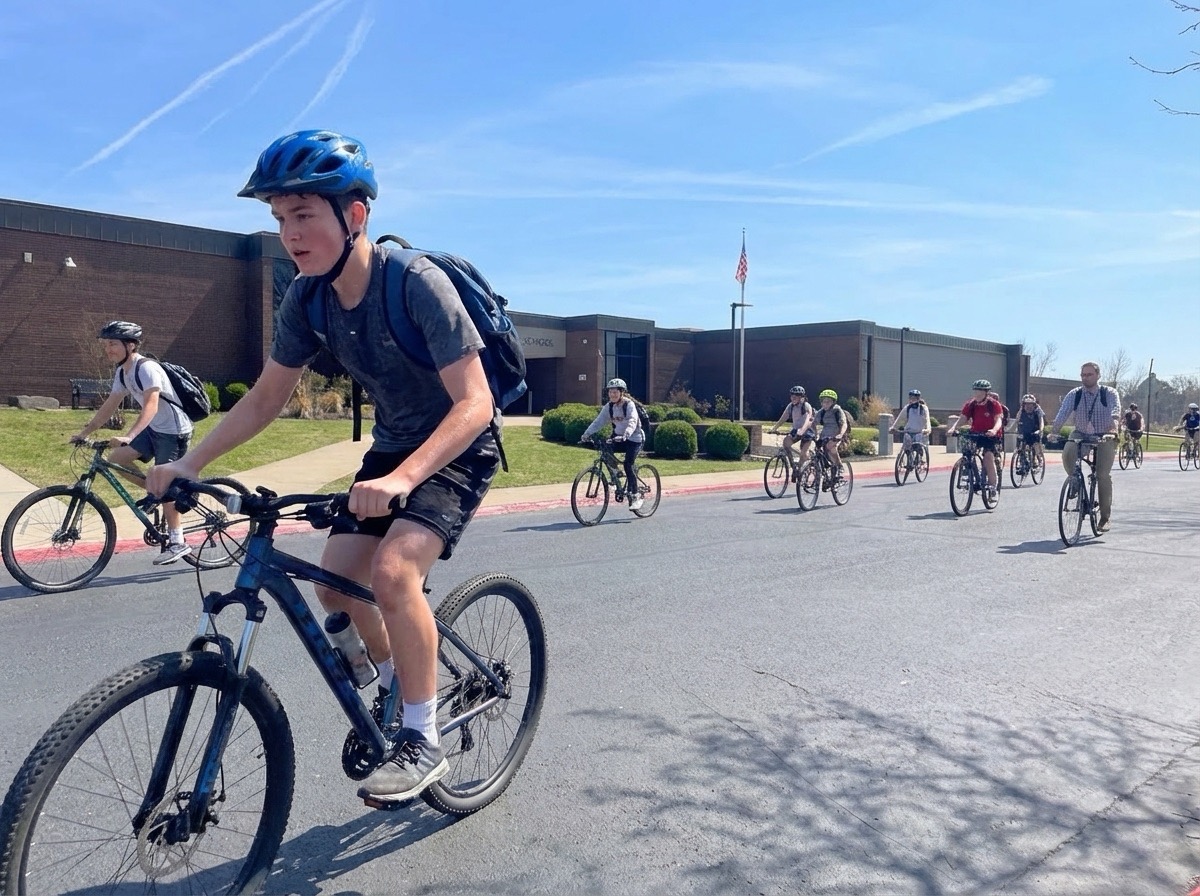
That's the work Arkansas Moves is doing across the state — and Bike Train AR is one of the tools they're using to do it.
Try It
If you're a parent, teacher, school administrator, or community organizer, you can build your first route in about five minutes.
Get started at biketrainar.com — and ride together.