Drop In Displays
Drop In Displays lets you manage queues of content for wall-mounted screens at conferences, expos, and trade shows. One admin, unlimited displays. Connect screens with a simple 6-digit code—all screens in a location share the same queue and stay in sync.
What we did for Drop In Displays
Event organizers were juggling USB sticks and manual updates to keep wall-mounted screens in sync. Drop In Displays started from a simple question: what if one admin could manage queues of content for every screen at a venue, with screens joining by code and staying in sync?
We helped build a platform where you create locations and queues, add segments—video, callouts, business ads, countdowns—and let screens join by entering a 6-digit code. Real-time updates mean changes from the admin panel sync on the next transition, so event staff can focus on the experience instead of running from display to display.
Built for event scale
Drop In Displays is built for conferences, expos, and trade shows. Themed layouts, callout overlays that push to every screen at once, and business ad carousels work out of the box. AI can suggest insights and metadata for your content so setup stays fast.
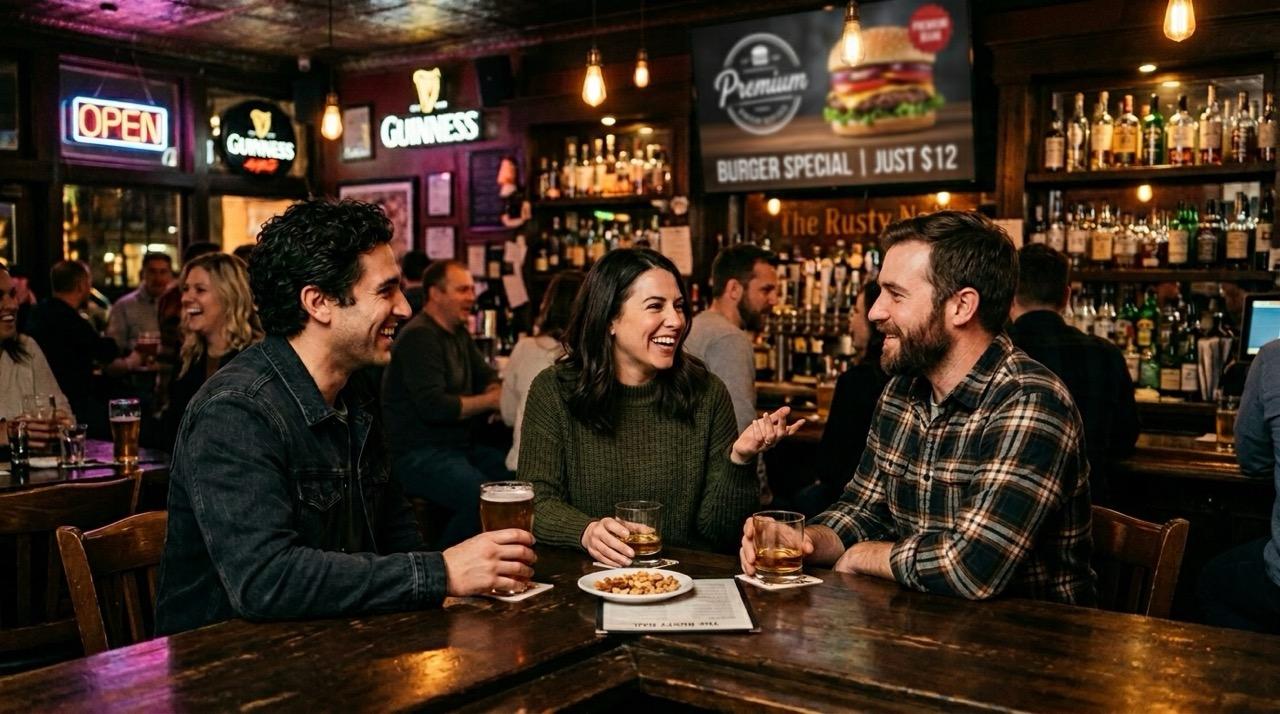
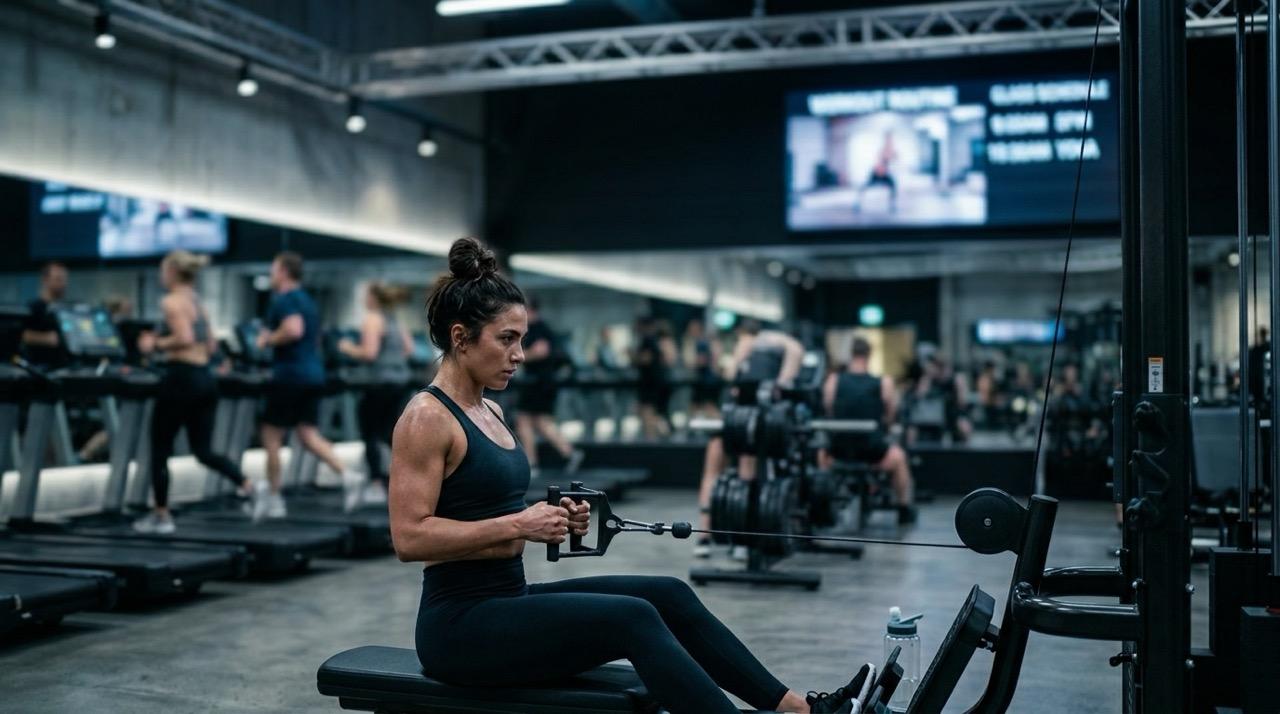
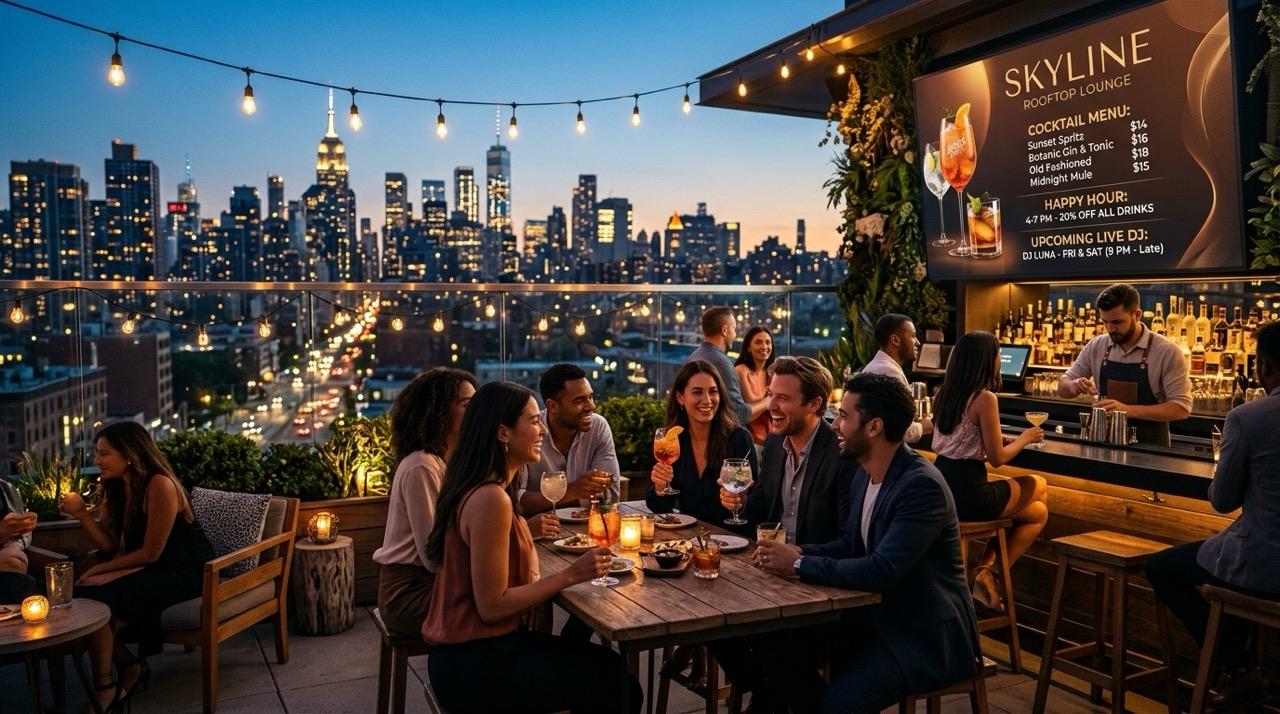
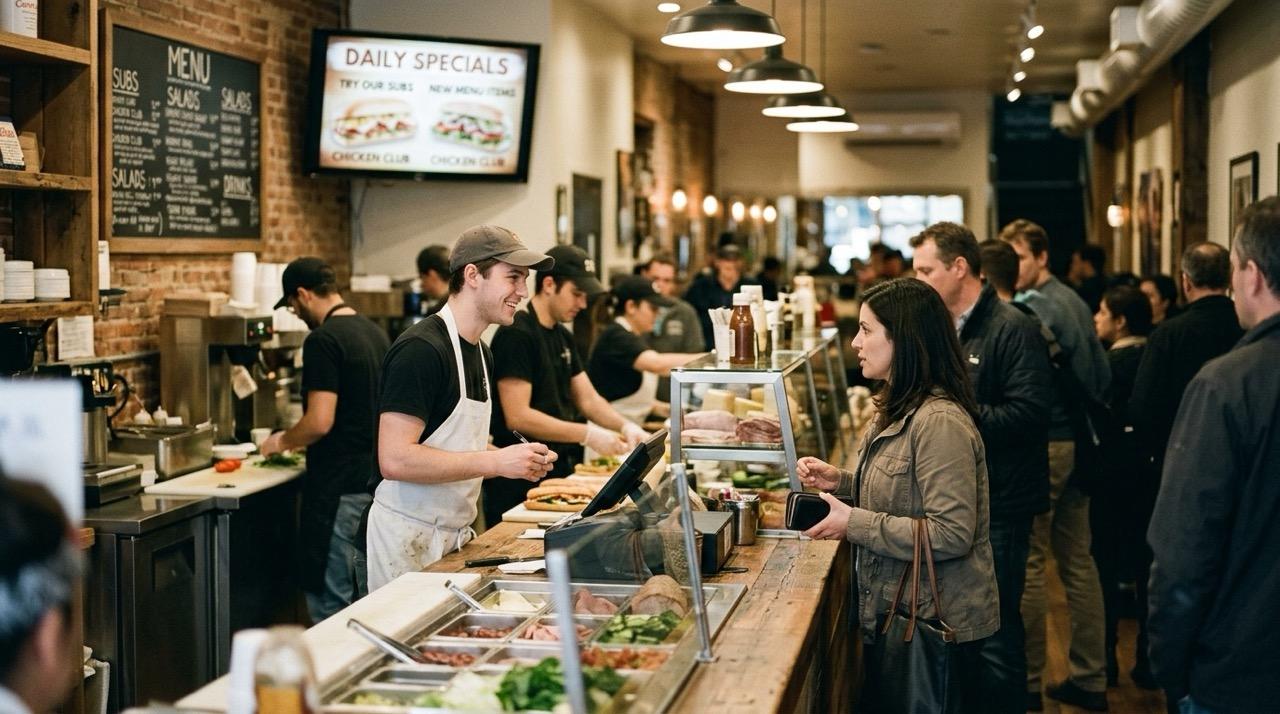
Digital signage use cases extend to hospitality, retail, movie theaters, rooftop lounges, salons, museums, gyms, and hotels—anywhere multiple screens need to stay in sync from one place.
Deliverables
- •Multi-screen sync with a 6-digit join code
- •Video playlists (Vimeo, YouTube) and custom segments
- •Callout overlays that broadcast to all screens in real time
- •Business ads, QR codes, and themed templates
- •Location and queue management from one admin
Everything you need for event displays
Manage content from one place. Screens join by code and stay in sync.
Multi-screen sync
Connect unlimited displays with a simple 6-digit code. All screens in a location share the same queue and stay in sync.
Video & display support
Queue Vimeo and YouTube content. Add callouts, business ads, and custom segments. Templates adapt to your event theme.
Real-time updates
Changes sync automatically. Add or reorder segments from the admin panel and watch screens update on the next transition.
Event-ready
Built for conferences, expos, and trade shows. Themed layouts, callout overlays, and business ad carousels out of the box.
How it works
Set up a location for each venue. Add queues with segments—video, callouts, business ads, countdowns. Screens join by entering a 6-digit code. Admin changes sync on the next transition; callouts can overlay every screen until they expire.
Create locations and queues
One location per venue. Add queues with segments—video, callouts, business ads, countdowns. Screens join by code and play through the queue.
Customize with templates
Full-screen image and video layouts. Configure themes and widgets per segment. AI can suggest insights and metadata for your content.
Broadcast in real time
Screens play through the queue. Admin changes sync on the next transition. Use callouts for announcements that overlay all screens until they expire.
How we can help you
From strategy and software to stories, engagement, and experiences—we bring clarity and execution to complex challenges.
- •Strategy: Clarify your vision, positioning, and roadmap
- •Software: Build modern apps, sites, and integrations
- •Stories: AI-powered video and narrative craft
- •Engagement: Content systems and community growth
- •Experiences: Events and activations that connect