
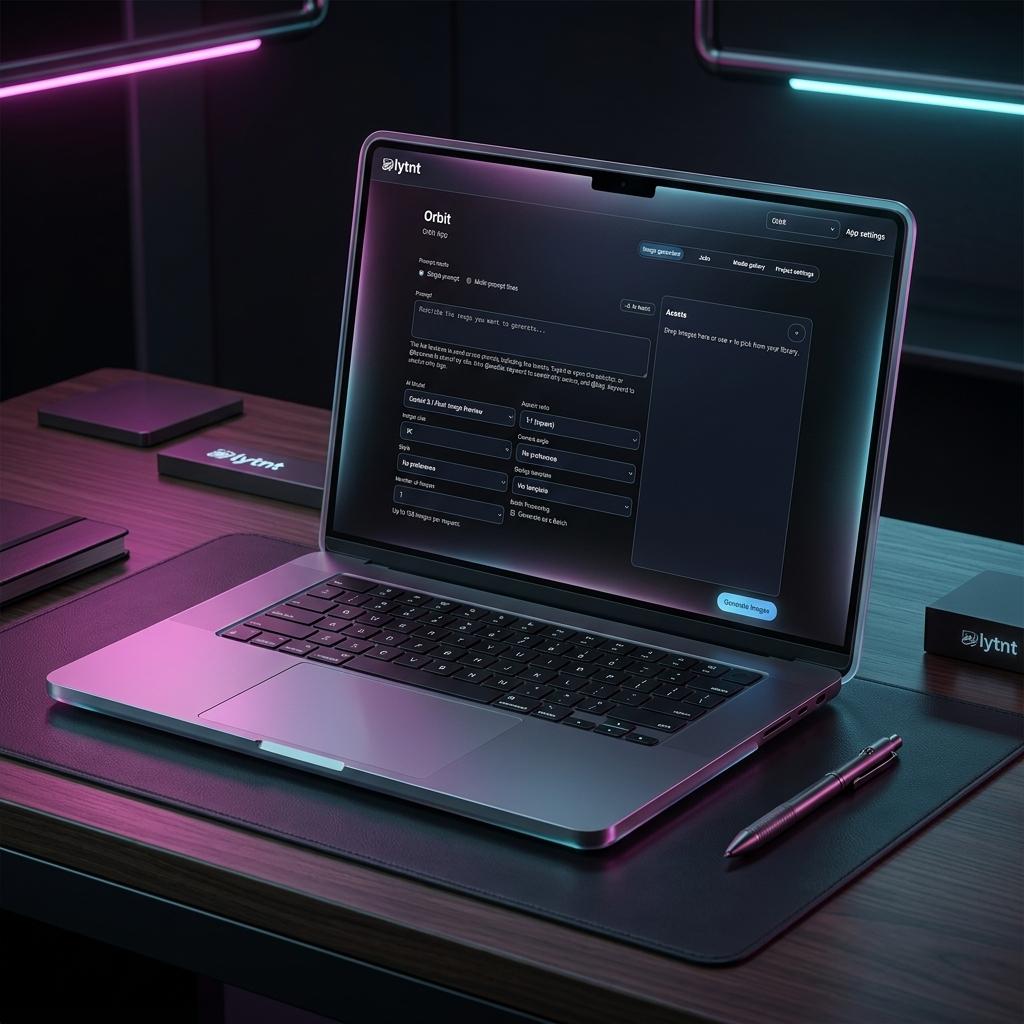
When we set out to build Lytnt, a modern workspace for AI image generation and media management, the default blueprint was obvious: build a SaaS. Set up a web app, run a cloud database, spin up an image-hosting server, integrate Stripe, and charge a monthly subscription.
Instead, we chose a different path. We built Lytnt as a local-first macOS desktop app.
Here is why we abandoned the cloud-based model, how it benefits you, and why we believe the future of AI software lies directly on your personal computer.
1. Security, Privacy, and the "Hosting Liability" Problem
In the SaaS model, user files live in the cloud. For an AI creative workspace, this means every generated image, uploaded reference photo, and draft project is sent to and stored on our servers.
This creates two massive problems:
The Security & Privacy Risk
Your workspace is personal. Whether you are brainstorming sensitive designs, working on proprietary brand assets, or simply experimenting, you shouldn't have to trust a third-party startup with your files. By switching to a macOS app, all files, projects, and media libraries stay on your machine. Lytnt stores everything locally under:
~/Library/Application Support/lytnt/
Your data never leaves your device unless you choose to share it.
The Content Moderation Nightmare (The "Bad Image" Problem)
When a platform hosts user content, it becomes legally and reputationally liable for what is stored on its servers. To mitigate this risk, cloud platforms must implement aggressive, automated content filters.
These filters are notoriously prone to false positives—often flagging benign creative work, blocking users, and invading privacy via continuous automated scanning. By running Lytnt locally, we do not host your images. Because we aren't a hosting provider, we don't need to censor your creativity, scan your folders, or police your workspace. Your computer is your private domain.
2. Eliminating the "SaaS Markup": Bring Your Own API Key
Most AI tools use a subscription model to resell API access. They pay providers like Google or OpenAI for tokens, markup the price (often by 300% or more to cover hosting, credit card fees, churn, and profit), and sell it to you as a monthly tier.
We think that is inefficient. With Lytnt, you bring your own Gemini API key.
┌────────────────────────────────────────────────────────┐
│                      HOW IT WORKS                      │
│                                                        │
│   Your Key ────────► Google AI Studio ──────► At-Cost  │
│  (In App Settings)   (Gemini API)             Pricing  │
└────────────────────────────────────────────────────────┘
By entering your own API key directly into the Lytnt settings panel, several things happen:
- No Middleman Markup: You pay Google directly for the exact amount of compute you use, at raw developer rates (or even utilize Google's generous free tiers).
- No Billing Overhead: We don't have to build complex subscription management engines, handle refunds, or track token balances.
- Pure Product Focus: We can spend 100% of our energy building a beautiful, high-performance workspace, rather than managing a micro-billing infrastructure.
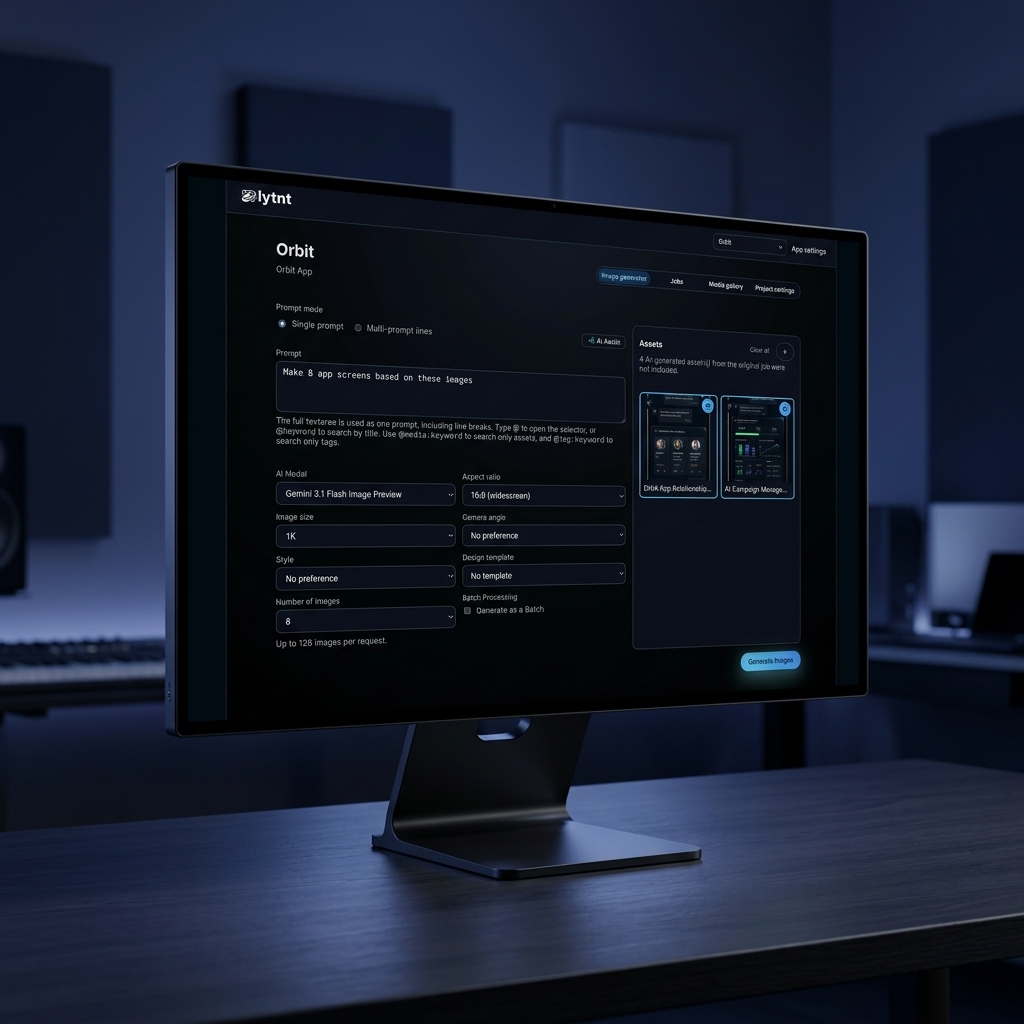
3. Why the Mac is the Perfect AI Workstation
Building a local-first AI application used to mean targeting high-end, noisy Windows desktops with power-hungry GPUs. Apple Silicon (M1, M2, M3, and M4 chips) completely changed the game.
Macs are now the most efficient AI workstations in the world, thanks to Unified Memory Architecture (UMA).
In a traditional PC, data must be constantly copied between system RAM and dedicated VRAM on the graphics card. On a Mac, the CPU, GPU, and Neural Engine share a single pool of high-speed memory. This allows a Mac to load massive AI models directly into memory and execute queries with incredible speed and minimal power draw—all while running silently on battery.
4. Going Fully Offline: Zero Network Required
What happens when you travel, hop on a long flight, or find yourself working from a remote cabin with absolute zero internet access?
If you are using a standard cloud-based SaaS tool, the answer is simple: your app locks up, your media assets fail to load, and your generation creative flow halts entirely.
With Lytnt, the local-first model changes the rules:
- Local Library Access: Since your entire project history, original images, and category metadata are saved directly to your disk, you can edit, tag, search, and manage your library 100% offline.
- On-Device Prompts: Your draft settings and layout details remain fully functional. You can organize assets, write structured markdown content, and prepare your batches offline.
- Seamless Local Execution: By connecting Lytnt to local open-source pipelines, the complete creation loop runs locally without a single ping to external servers.
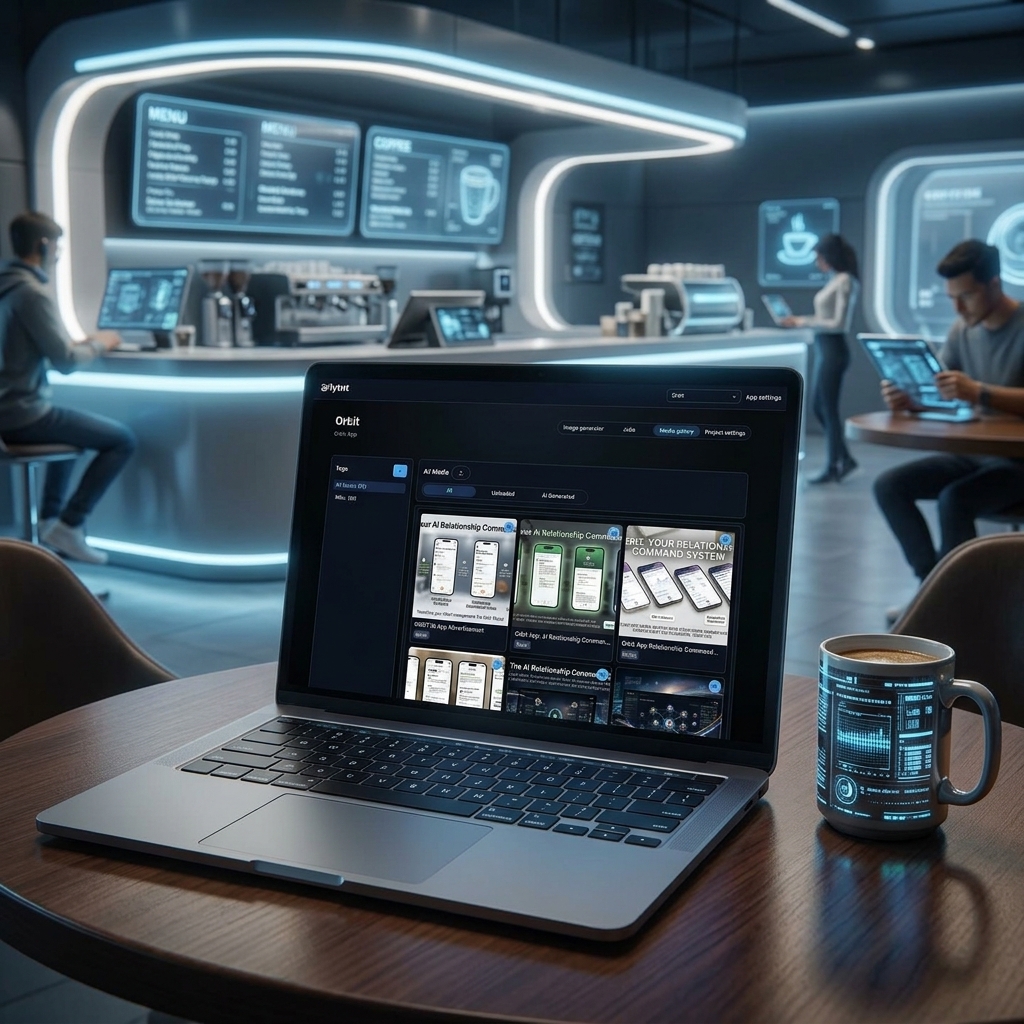
Whether you are working from a high-tech studio or in a modern, remote workspace with unstable connections, Lytnt guarantees your creative agency is never bottlenecked by network state.
5. The Future: Local Open-Source LLMs and Diffusion Models
Using the Gemini API is a great, lightweight way to power smart prompt assistance, tagging, and generation right now. But we see a future where you won't even need an external API key.
The rapid advancement of local open-source LLMs (like Llama 3, Phi-3, and Mistral) and local image generators (like Stable Diffusion and Flux) means that fully local AI is already here. Tools like Ollama and llama.cpp prove that you can run highly capable models entirely offline.
We are actively designing Lytnt to support this local ecosystem:
- Offline Prompt Optimization: Using local LLMs to brainstorm, refine, and structure image generation prompts without an internet connection.
- On-Device Image Generation: Leveraging Apple's Metal Performance Shaders (MPS) to generate high-quality images directly on your Mac's GPU.
- Intelligent Local Tagging: Automatically organizing and indexing your media gallery using small, specialized local vision models.
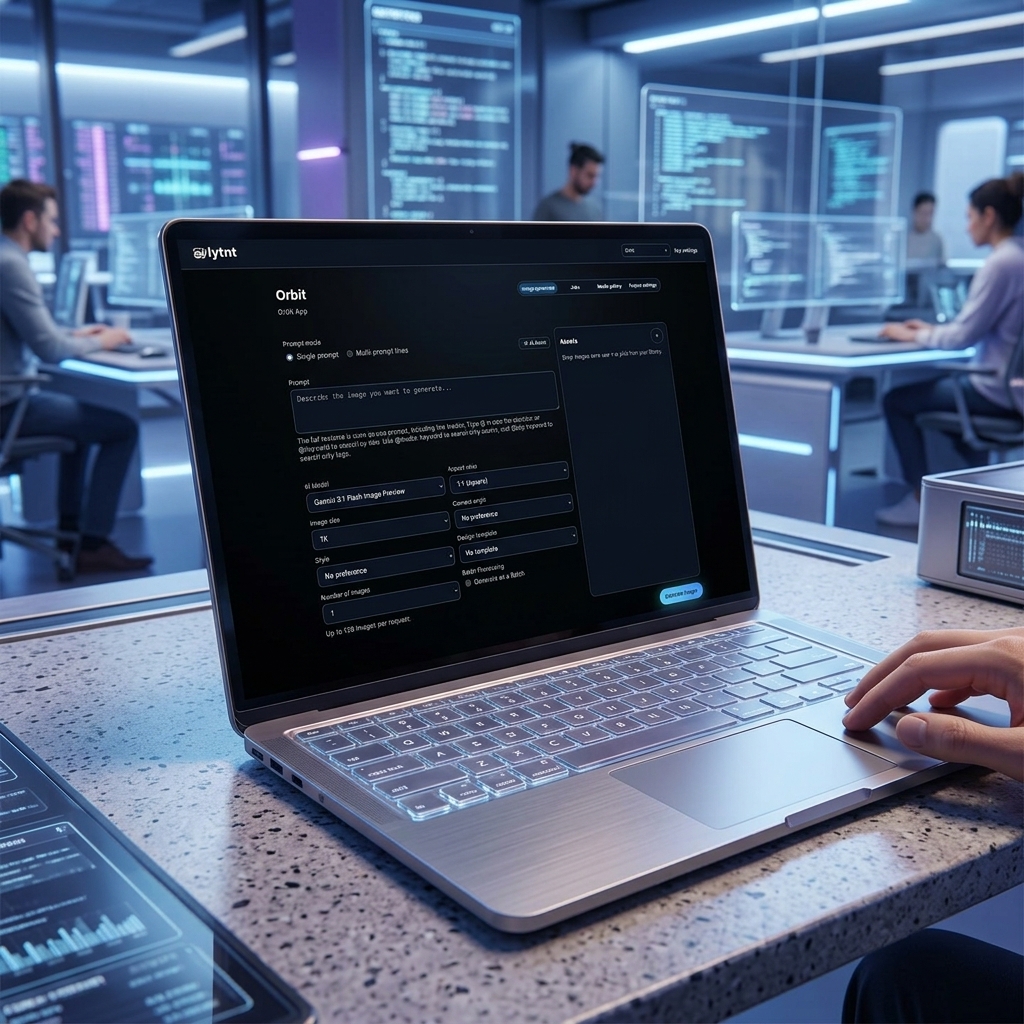
By building Lytnt as a macOS native foundation today, we are perfectly positioned for a future where your creative workspace is 100% private, 100% offline, and powered entirely by the hardware sitting on your desk.
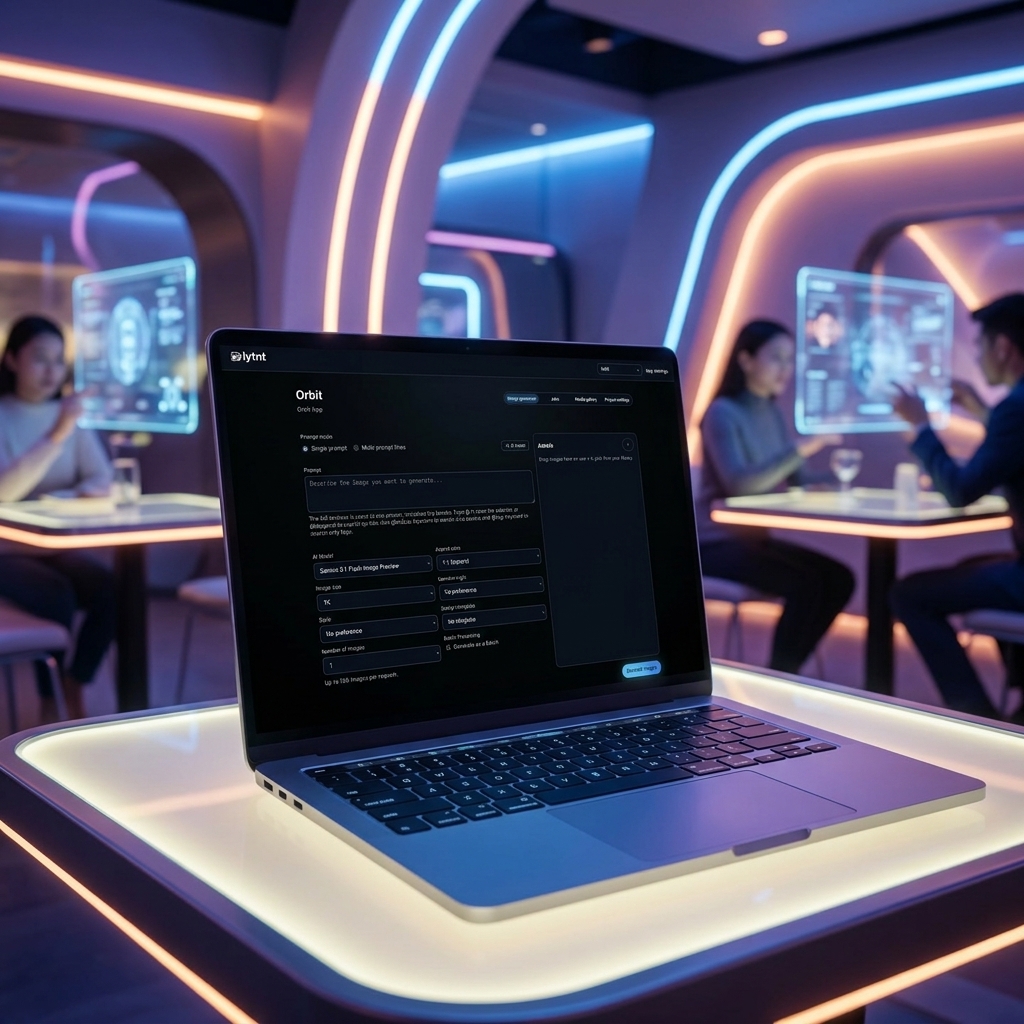
6. Real-World Applications: Dynamic Local Content for Businesses
How does this offline design system empower businesses in real-world scenarios?
Consider a physical retail establishment or a restaurant/bar trying to roll out dynamic daily menus or custom interactive screens on the fly. Instead of uploading large images to a cloud manager, waiting for sync cycles, and risking server down-time in the middle of a rush, Lytnt allows business operators to spin up promotions locally and instantly stream them to local display screens.
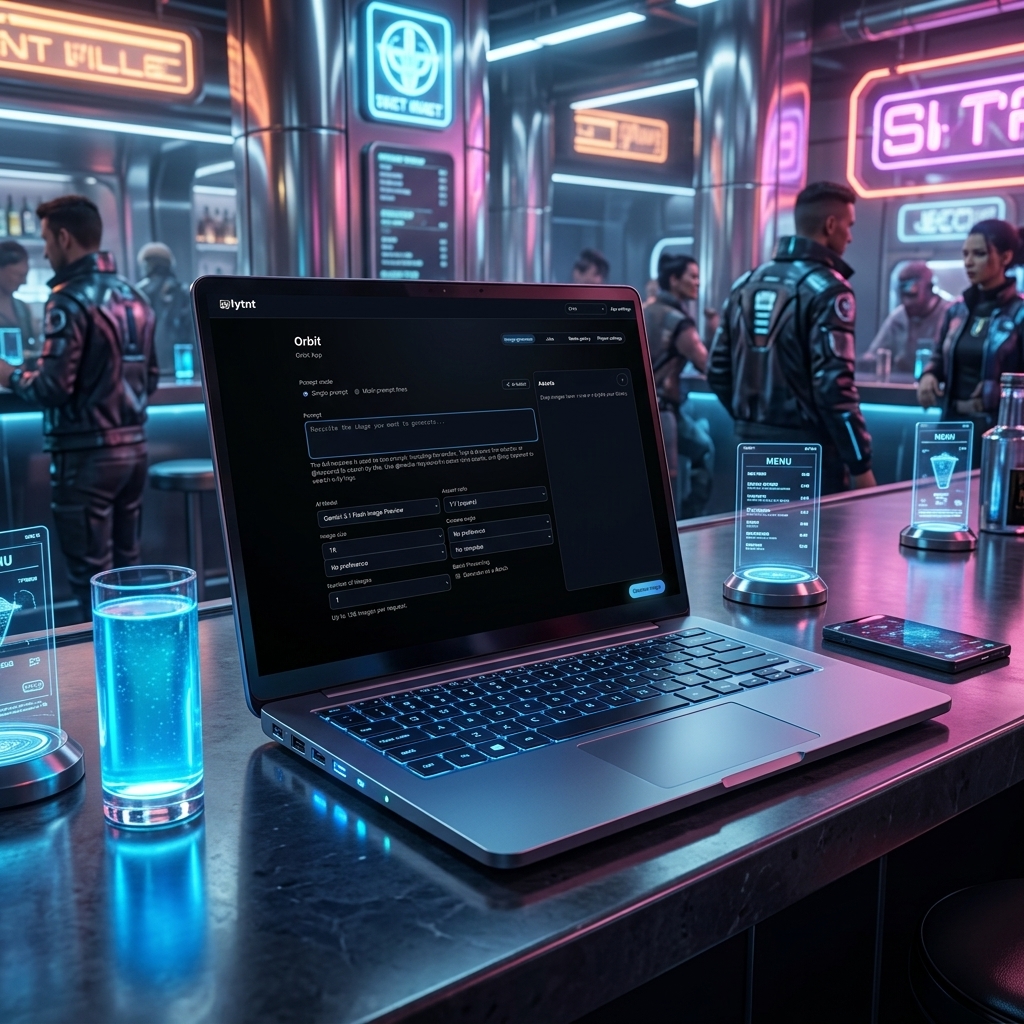
By keeping data pipelines local, physical storefronts can dynamically rotate signage, display seasonal ingredient boards, and tweak layouts with zero latency and 100% reliability.
Reclaiming Digital Sovereignty
The modern web has become over-centralized, expensive, and invasive. Lytnt is our contribution to a different kind of software: one that respects your privacy, lets you run code on your own hardware, and gives you direct control over your AI costs.
If you have a Mac, download Lytnt, drop in your API key, and experience the power of a local-first workspace. Your files, your keys, your computer.